How to Setup Python Virtual Environment In Ubuntu
Please Note : These steps demonstrated and tested on Ubuntu 15.04 but they will work same on other Ubuntu and Debian based distributions .
Setup
apt-get install build-essential

# Install Python Development package and pip

apt-get install python2.7-dev python-setuptools
sudo easy_install pip
Now Install virtualenv
sudo pip install virtualenvAfter Install You can use virtualenv to setup virtual environment
cd your_project_folder
virtualenv venv
then activate the virtual environment
source venv/bin/activateBefore using virtualenv freeze pip and pipe that to requirements.txt file
pip freeze > requirements.txtthen after activation virtualenv install all dependencies using pip
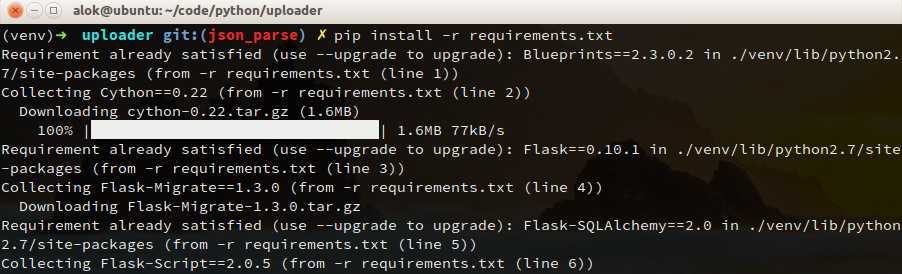
pip install -r requirements.txtadditionally you can install virtualenvwrapper , which provide awesome setup of tools which make working with virtualenv easy and pleasant .
read more about virtualenvwrapper http://virtualenvwrapper.readthedocs.org/en/latest/install.html
to deactivate virtual environment :
deactivate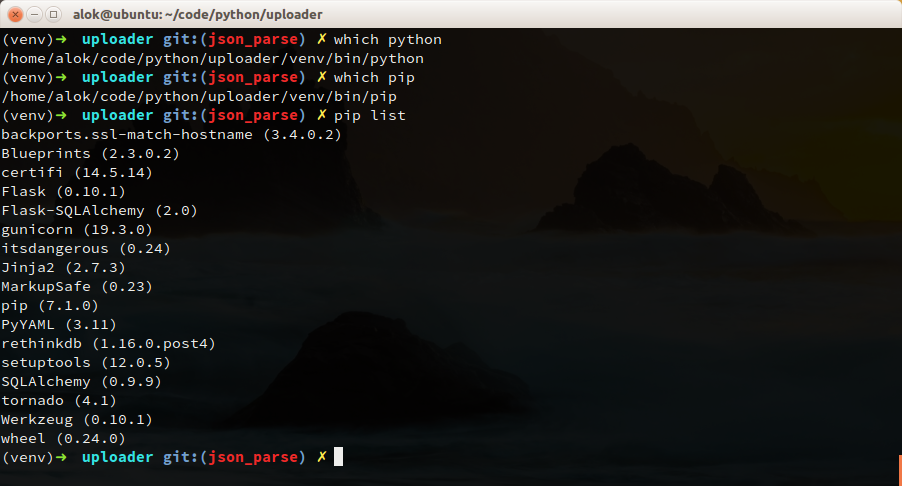
Useful Links
1 .virtualenvs
2 .virtualenvwrapper
I hope this post will help you to setup virtual environment in you system . thanks for reading .