how to solve ubuntu login loop [Quick tip]
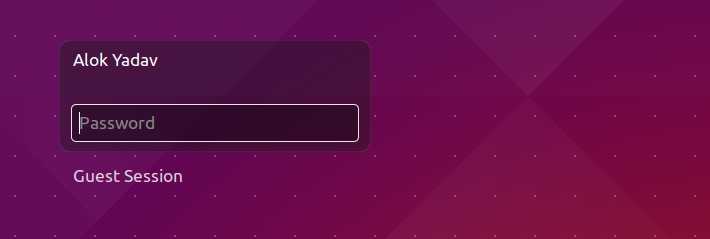
Stucked in your desktop/laptop ubuntu’s login screen means , you enter your password then screen goes black then login screen appears again and again in loop , here are three easy troubleshooting methods you can follow to resolve your problem.
Error Info
$ cat ~/.xsession-errorsnow see and identify what is causing the problem .
Method 1
Login in console mode using ctrl + alt + f1 or ctrl + alt + f2 then
$ chown $USER:$USER .Xauthorityif it doesn’t work try renaming .
$ mv .Xauthority .Xauthority.bak Then press ctrl + alt + f7 to go back to login screen , if these all solution doesn’t work , then uninstall and install again lightdm
Method 2
# For re-configuring
$ sudo dpkg-reconfigure lightdm
Re-installing
$ sudo apt-get purge lightdm && sudo apt-get install lightdmOr install gdm in place of lightdm
$ sudo apt-get purge lightdm && sudo apt-get install gdmScreencast
I hope it was helpful for you , thanks for reading .