How to setup per user web directories in Apache2 ( ubuntu 13.10 )
In this tutorial, I’ll show you how to set up a user-based web directory setup. So you can have website files in your home directory. Instead of “localhost”, you’ll have to visit the new address ”http://localhost/~username“.
Note: Ubuntu 13.10 is very outdated. This tutorial is kept for historical reference. For modern Ubuntu versions, the process is similar, but package names may have changed (e.g., php5 is now php in newer versions).
Steps :
Install Apache in ubuntu . :
sudo apt-get install apache2 -y
Install PHP:
sudo apt-get install php
Note: In modern Ubuntu versions, the package name is php instead of php5. PHP 5.x is no longer supported.
Install some additional PHP components:
sudo apt-get install php-mysql php-curl php-gd php-intl php-pear php-imagick php-imap php-mcrypt php-memcache php-sqlite php-tidy php-xmlrpc php-xsl
Note: Package names have changed in modern Ubuntu versions. Some packages like php5-mcrypt and php5-memcache may have different names or may not be available. Use apt-cache search php- to find available packages.
enable userdir conf in mod-enabled
sudo ln -s /etc/apache2/mods-available/userdir.load /etc/apache2/mods-enabled/
sudo ln -s /etc/apache2/mods-available/userdir.conf /etc/apache2/mods-enabled/
lets create foldee Sites folder in Home Directory
mkdir Sites
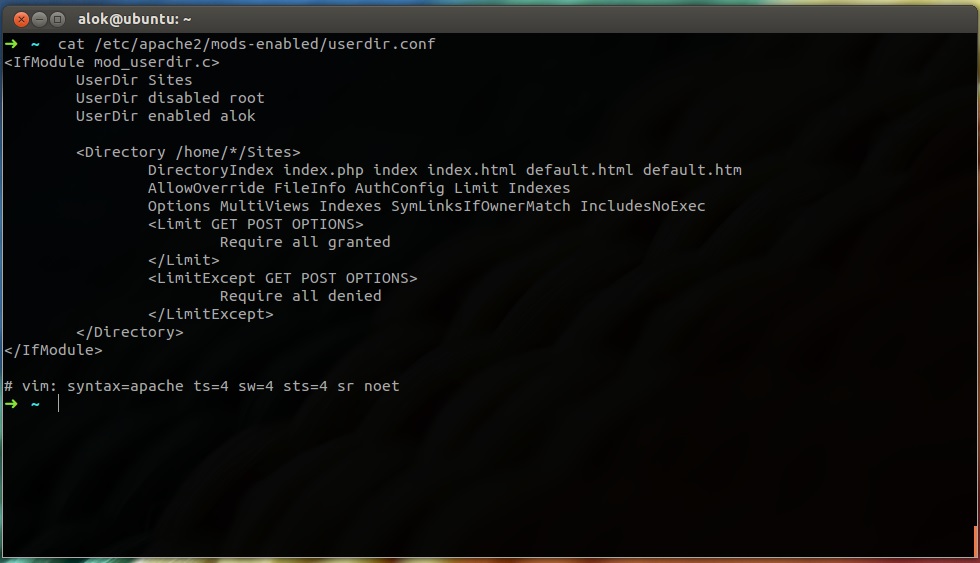
Now edit userdir.conf to set directory location and user info etc
sudo nano /etc/apache2/mods-enabled/userdir.conf
<IfModule mod_userdir.c>
     UserDir Sites
     UserDir disabled root
     UserDir enabled alok
    <Directory /home/*/Sites>
    DirectoryIndex index.php index index.html default.html default.htm
    AllowOverride FileInfo AuthConfig Limit Indexes
    Options MultiViews Indexes SymLinksIfOwnerMatch IncludesNoExec
    <Limit GET POST OPTIONS>
    Require all granted
    </Limit>
 <LimitExcept GET POST OPTIONS>
    Require all denied
 </LimitExcept>
 </Directory>
</IfModule>
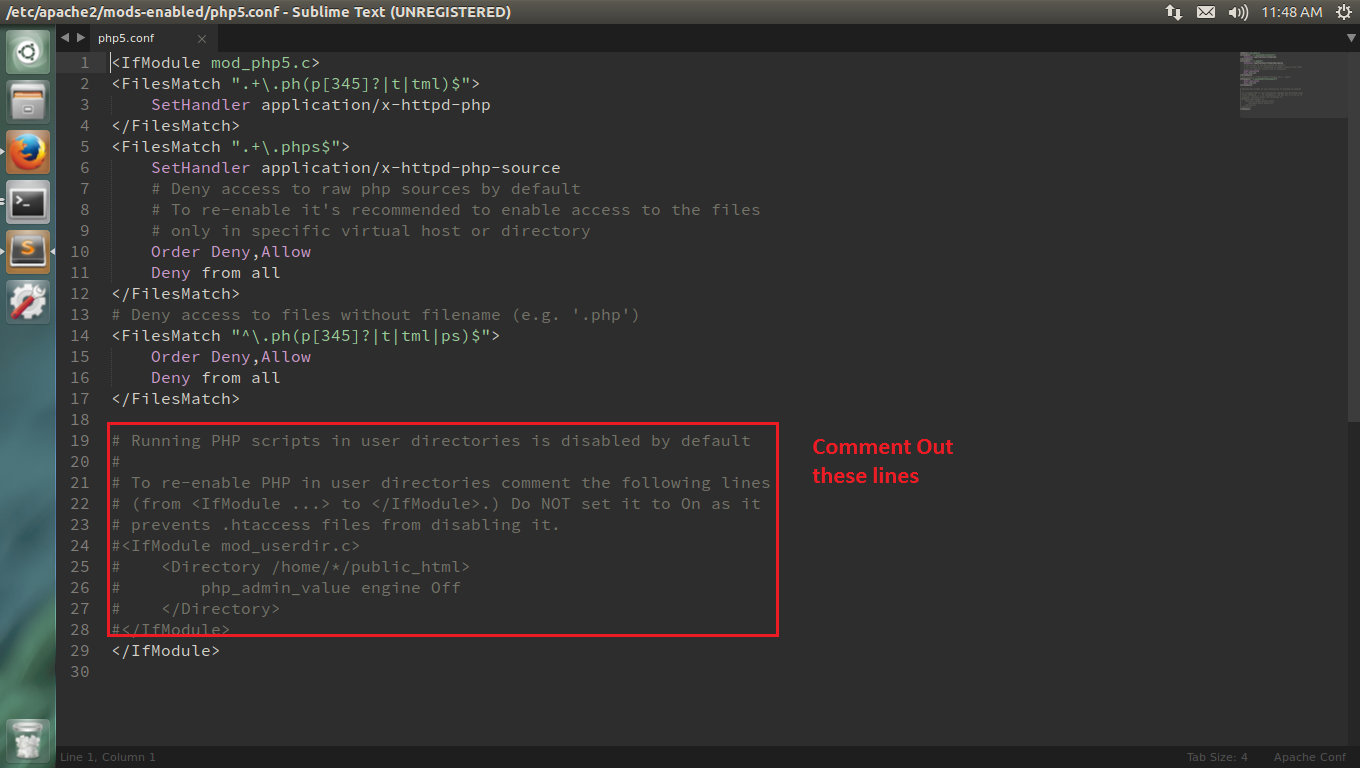
Now Lets enable php execution in local home directories
sudo nano /etc/apache2/mods-available/php5.conf
<IfModule mod_php5.c>
<FilesMatch ".+\.ph(p[345]?|t|tml)$">
 SetHandler application/x-httpd-php
</FilesMatch>
<FilesMatch ".+\.phps$">
 SetHandler application/x-httpd-php-source
 # Deny access to raw php sources by default
 # To re-enable it's recommended to enable access to the files
 # only in specific virtual host or directory
 Order Deny,Allow
 Deny from all
</FilesMatch>
# Deny access to files without filename (e.g. '.php')
<FilesMatch "^\.ph(p[345]?|t|tml|ps)$">
 Order Deny,Allow
 Deny from all
</FilesMatch>
# Running PHP scripts in user directories is disabled by default
#
# To re-enable PHP in user directories comment the following lines
# (from <IfModule ...> to </IfModule>.) Do NOT set it to On as it
# prevents .htaccess files from disabling it.
#<IfModule mod_userdir.c>
# <Directory /home/*/public_html>
# php_admin_value engine Off
# </Directory>
#</IfModule>
</IfModule>
Make Sure that file looks like mine .
now restart apache2
sudo apachectl restart
Now lets create a index.php file in Sites folder
nano index.php
and put inside that file
<?php phpinfo(); ?>
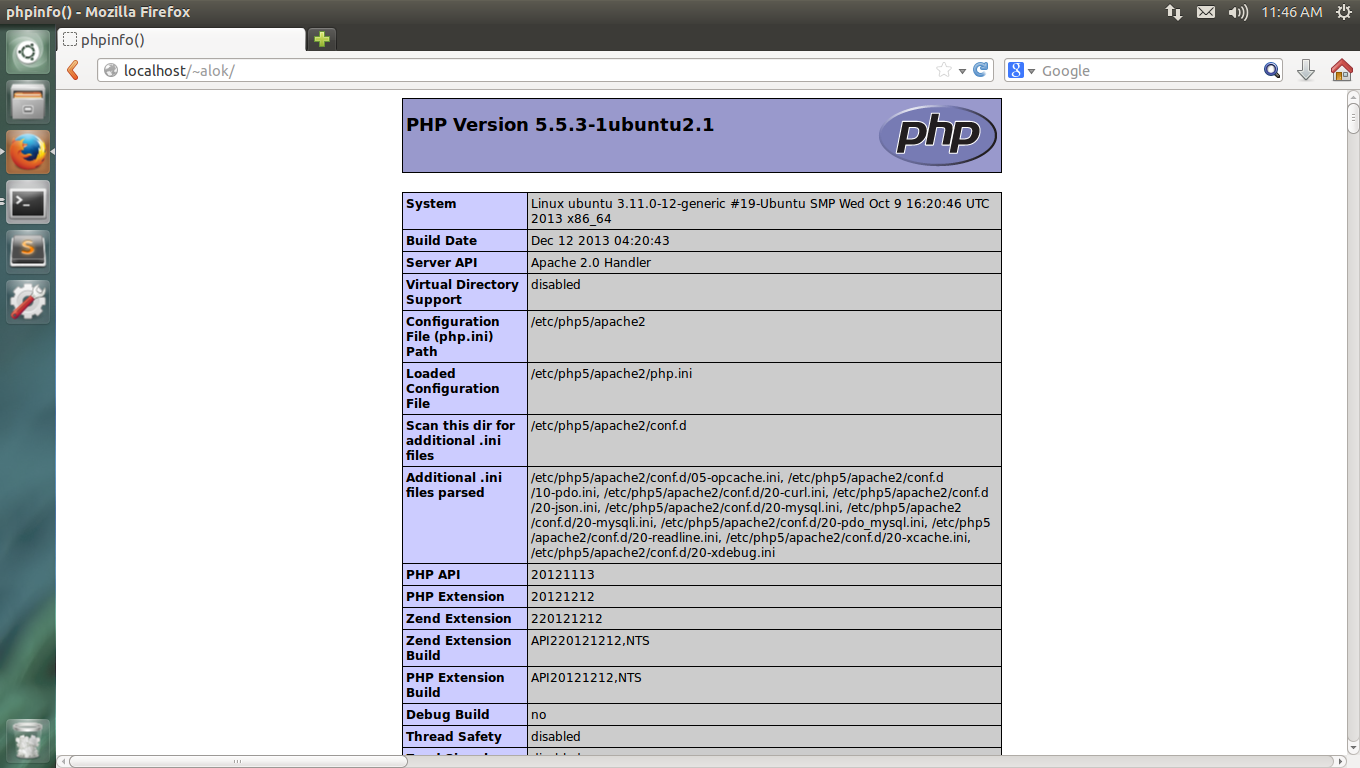
now open browser and enter address ” http://localhost/~username ”
you will get phpinfo page