If you are looking for open source alternative of Matlab then try gnu octave . according to octave official site :
GNU Octave is a high-level interpreted language, primarily intended for numerical computations. It provides capabilities for the numerical solution of linear and nonlinear problems, and for performing other numerical experiments. It also provides extensive graphics capabilities for data visualization and manipulation. Octave is normally used through its interactive command line interface, but it can also be used to write non-interactive programs. The Octave language is quite similar to Matlab so that most programs are easily portable.
Installing Octave on Mac
Follow these simple steps to get Octave up and running on your macOS (I’m using Mavericks 10.9 in this case). Let’s first install some requirements.
Note: macOS X Mavericks (10.9) is very outdated. For modern macOS versions, you can install Octave using Homebrew with simpler commands. The homebrew/science tap and gcc49 are no longer available.
Note: The Homebrew installation URL has changed. For modern installations, use the command above.
Now update and install Octave:
brew update
brew install octave
Note: The homebrew/science tap and homebrew/versions tap are no longer available. Modern Homebrew includes Octave directly. The gcc49 package is also deprecated—modern systems should use the default compiler.
if you having trouble in mavericks use that patch ( it worked for me )
brew install https://raw.github.com/Homebrew/homebrew-science/3c3fe3baaf926437f750f65456769c124d6be8e1/octave.rb --env=std


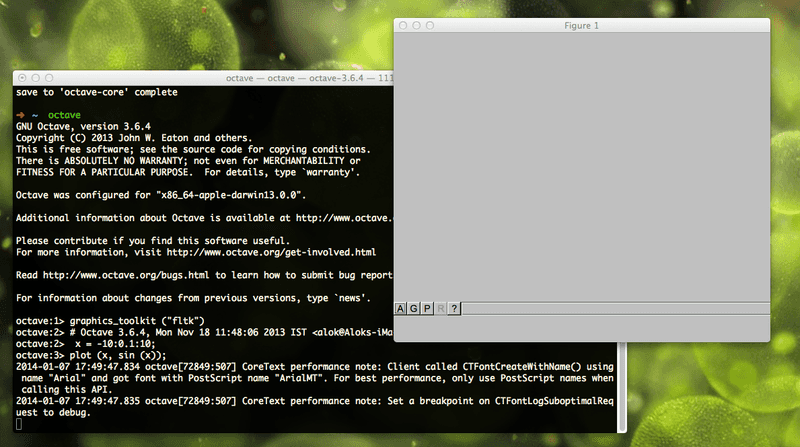
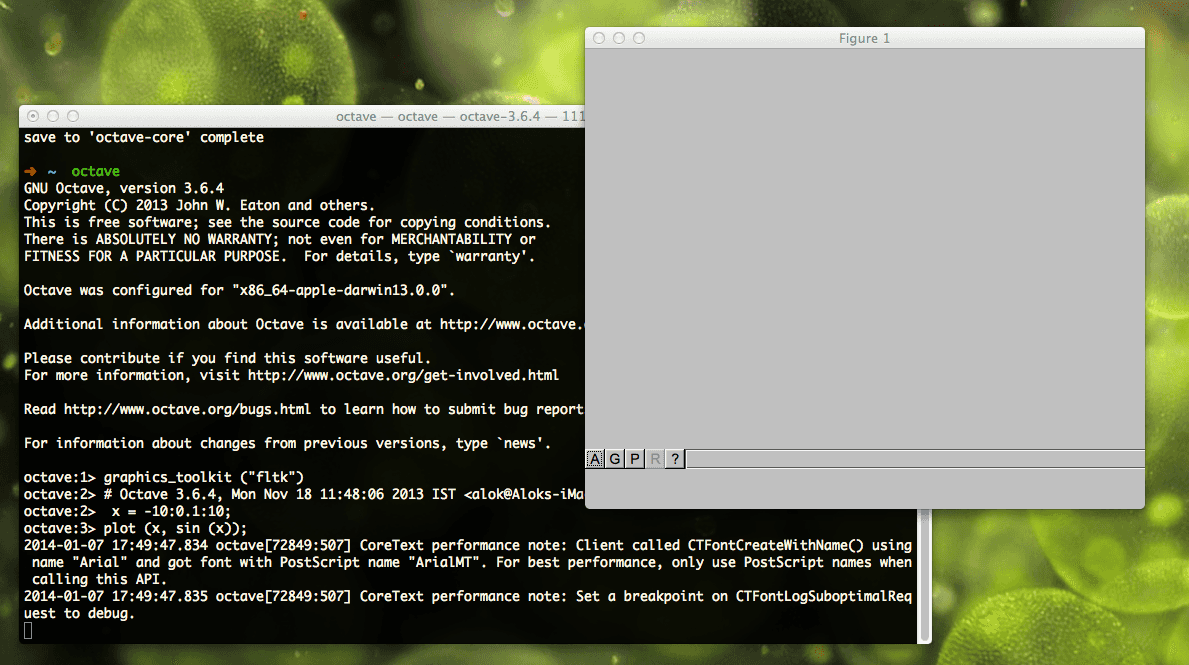
    Screen Shot 2014-01-07 at 5.49.59 pm