Using markdown editor PLATEN for Blog posting
Platen is a Markdown WordPress Editor Chrome web app developed by AlexTatiyants. It’s a Google Chrome app that works on Windows, Linux, and Mac.
Markdown
Markdown is a text-to-HTML conversion tool for web writers. Markdown allows you to write using an easy-to-read, easy-to-write plain text format, then convert it to structurally valid XHTML (or HTML).
According to Wikipedia
Markdown is a lightweight markup language, originally created by John Gruber with substantial contributions from Aaron Swartz, allowing people “to write using an easy-to-read, easy-to-write plain text format, then convert it to structurally valid XHTML (or HTML)”.
Markdown is used by some of the world’s top sites like GitHub for creating README files and Stack Overflow.
Back to Platen
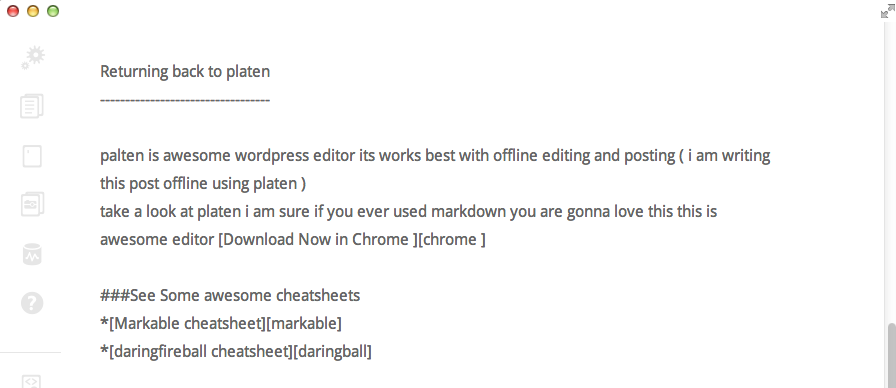
Platen is an awesome WordPress editor that works best with offline editing and posting (I'm writing this post offline using Platen).
Take a look at Platen—I'm sure if you've ever used Markdown, you're going to love this awesome editor.
Note: Platen may no longer be actively maintained. For modern Markdown editing, consider alternatives like:
- StackEdit - Online Markdown editor
- Typora - Desktop Markdown editor
- WordPress Gutenberg editor (built-in Markdown support)
Download Platen
See more about how to use it and more about Platen