Installing LXC ( linux containers ) with LXC web pannel in ubuntu
What is LXC
Linux Containers (LXC) are a lightweight virtualization technology that provides a free software virtualization system for computers running GNU/Linux. This is accomplished through kernel-level isolation, allowing you to run multiple virtual units (containers) simultaneously on the same host.
- manage resources using PCG ( process control groups ) implemented via cgroup filesystem
- Resource isolation via new flags to the clone(2) system call (capable of create several types of new namespace for things like PIDs and network routing)
- Several additional isolation mechanisms (such as the “-o newinstance” flag to the devpts filesystem).
The LXC package combines these Linux kernel mechanisms to provide a userspace container object, a lightweight virtual system with full resource isolation and resource control for an application or a system.
Installing LXC (Ubuntu)
$ sudo apt-get install lxc lxc-templates
Note: The lxctl package mentioned in older tutorials is no longer needed. Modern LXC uses different management tools.
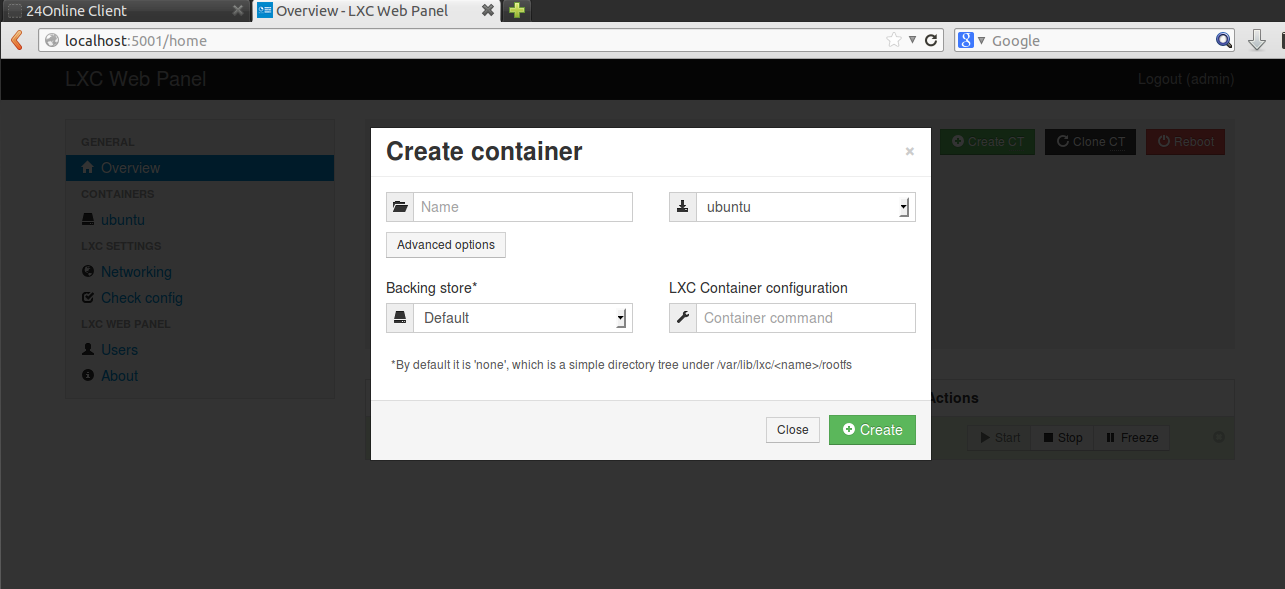
Creating a Container
$ sudo lxc-create -t ubuntu -n ubuntu-container
$ sudo lxc-start -n ubuntu-container
Logging into Container
$ sudo lxc-console -n ubuntu-container -t 1
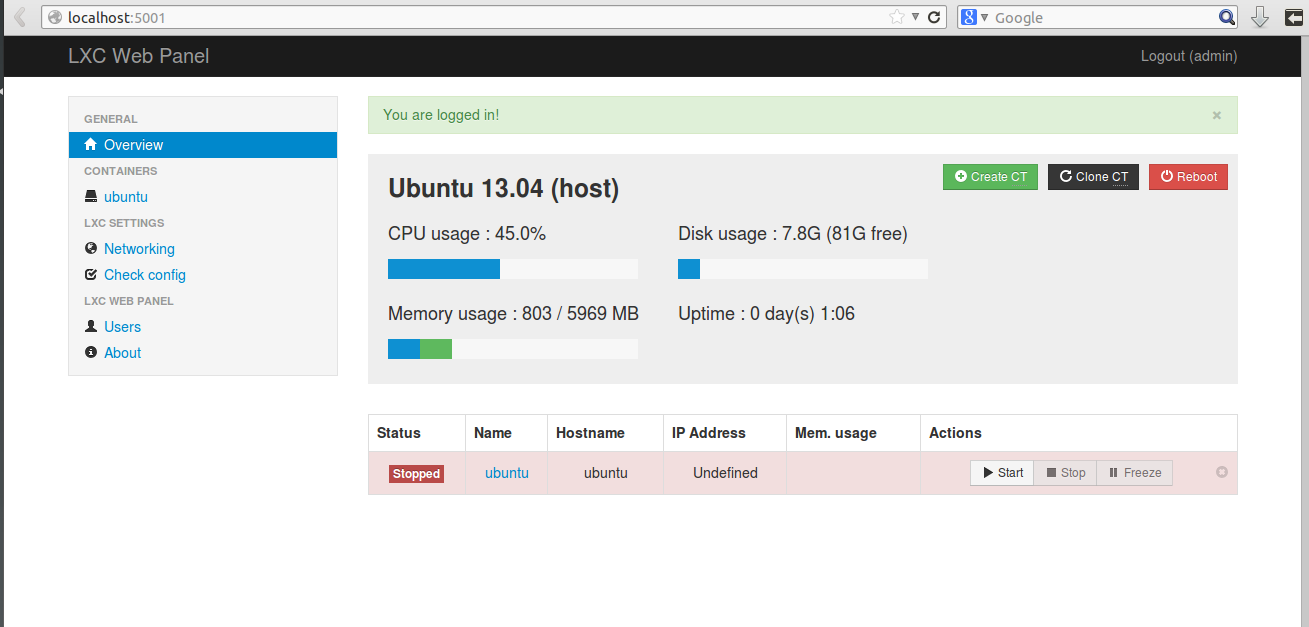
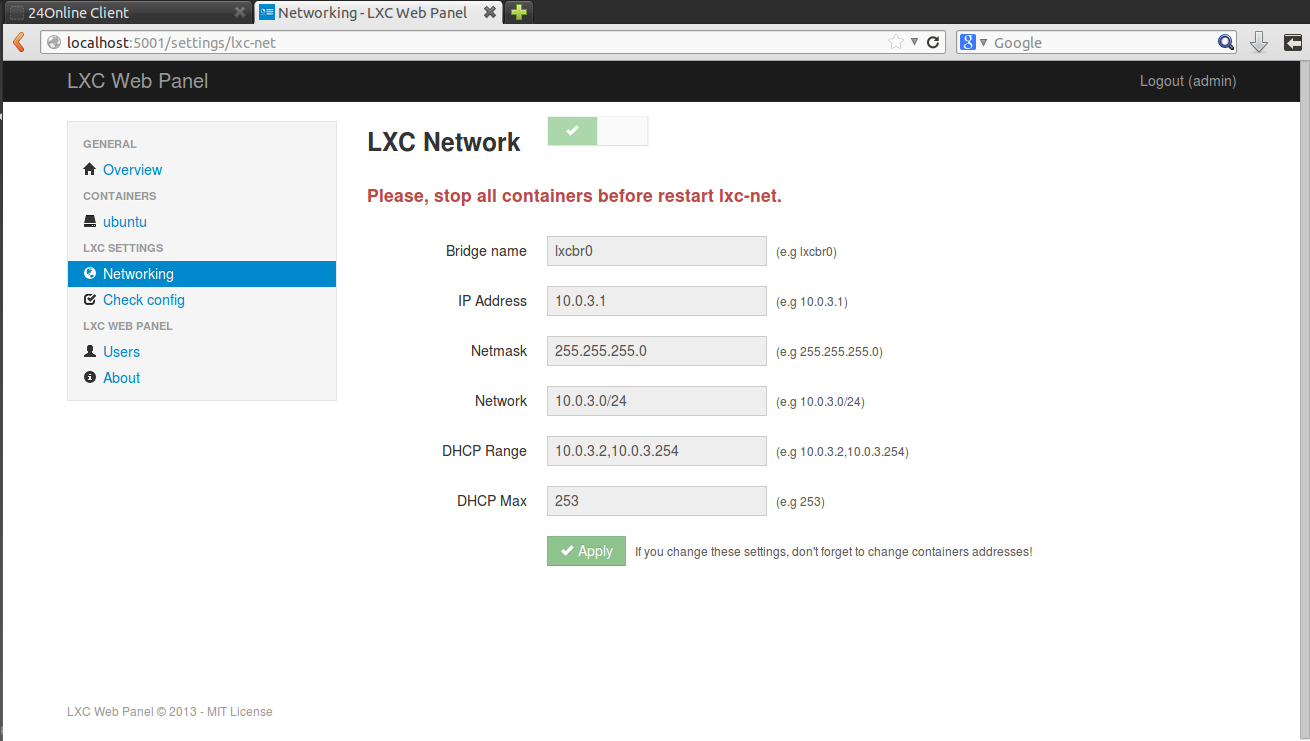
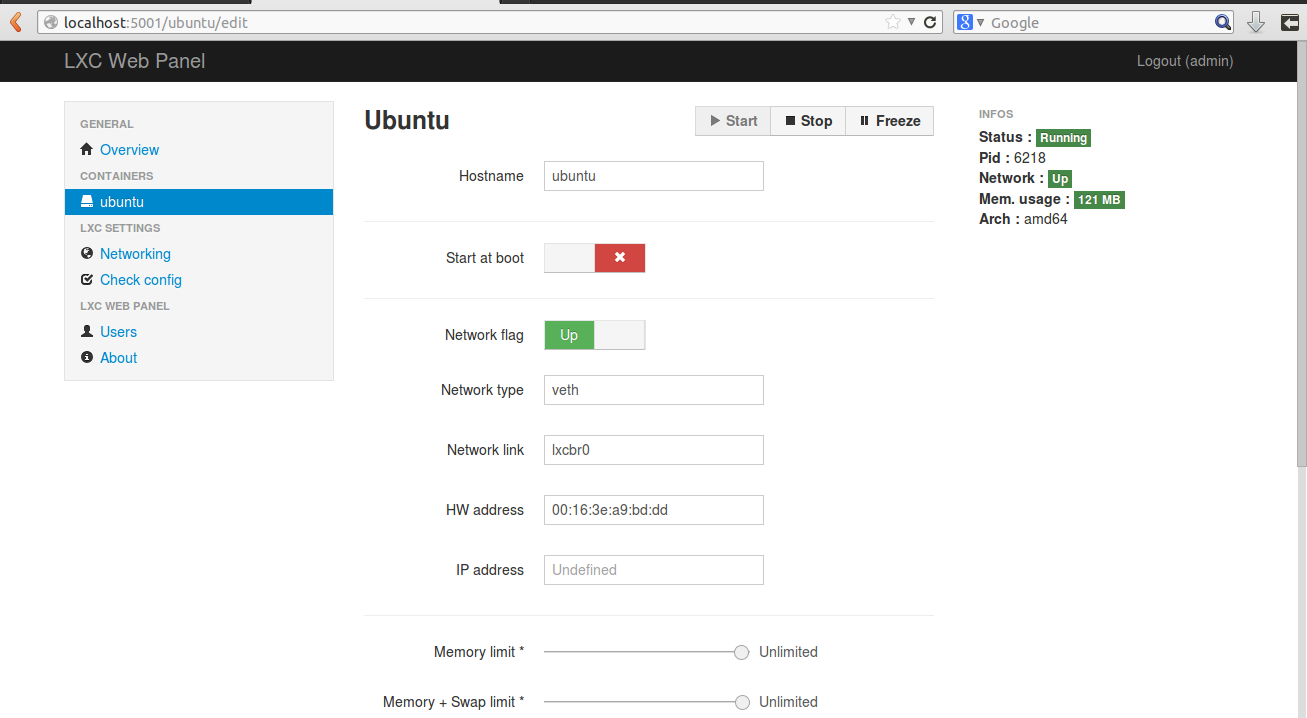
Install LXC Web Panel
Note: The LXC Web Panel project may no longer be actively maintained. For modern container management, consider using LXD (the next-generation LXC) or other container orchestration tools.
$ sudo apt-get install lxc debootstrap bridge-utils -y
$ wget https://lxc-webpanel.github.io/tools/install.sh -O - | sudo bash
Accessing LXC Web Panel
Open your browser and navigate to:
http://localhost:5000

Default credentials:
Username: admin
Password: admin
Important: Change the default password immediately after first login for security.
The web panel configuration file is located at: /srv/lwp/lwp.conf