how to install and setup zsh as default shell in ubuntu
Ubuntu uses ‘bash’ as the default shell, and most Unix-like systems use bash as the default shell. However, there are many other options you can choose from. One of them is zsh (Z shell). It’s lightweight and loaded with many features to enhance your shell experience.
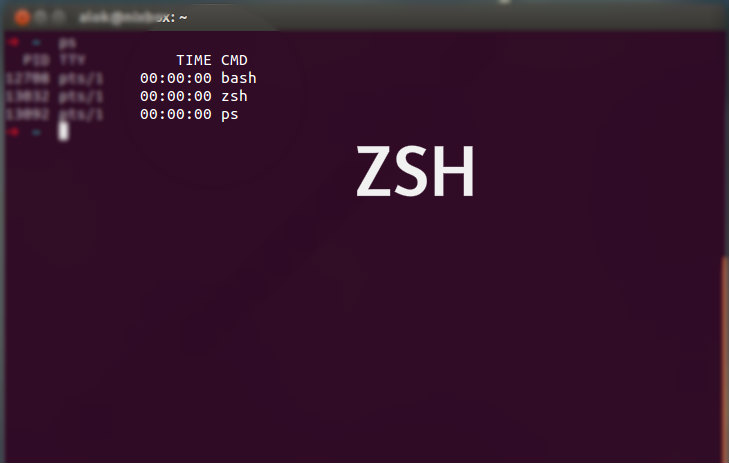
You can see detailed information about shell differences: see here
Installation
$ sudo apt-get install zsh
$ chsh -s /bin/zsh
Note: You’ll need to log out and log back in for the shell change to take effect. You can verify your current shell with echo $SHELL.
Setup Oh My Zsh
Oh My Zsh is a configuration framework developed by robbyrussell which provides many configuration options with built-in plugins and themes. You can customize zsh’s appearance as you want.
$ sudo apt-get install git curl
$ sh -c "$(curl -fsSL https://raw.githubusercontent.com/ohmyzsh/ohmyzsh/master/tools/install.sh)"
You can configure zsh by editing the .zshrc file in your home directory.