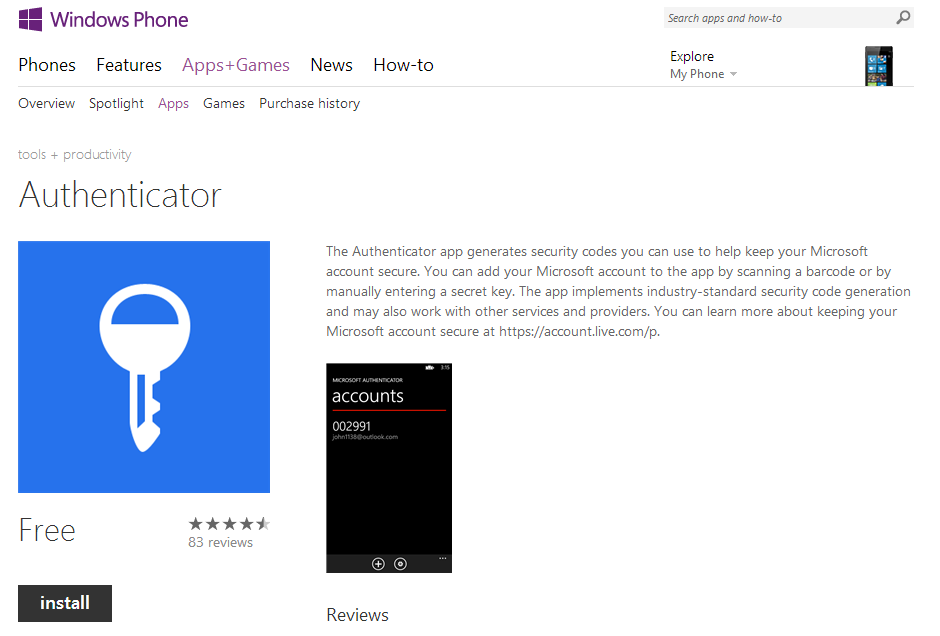
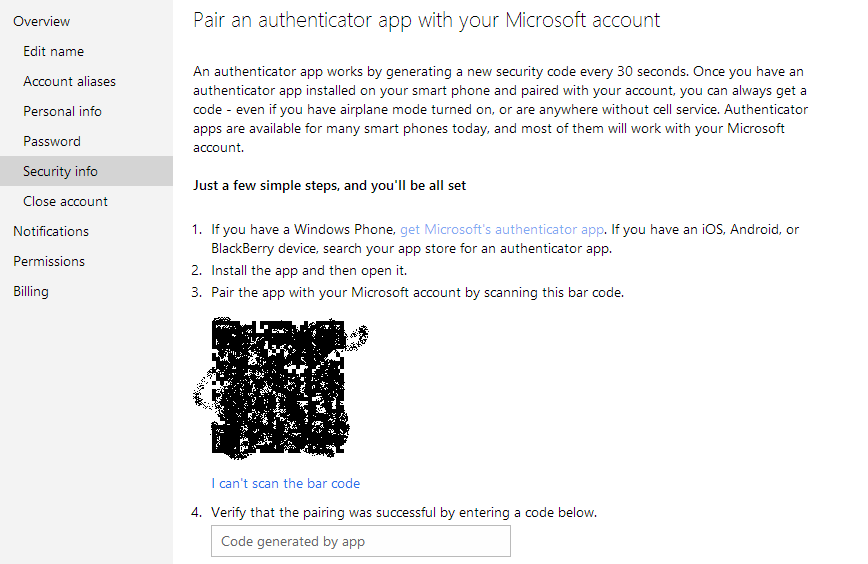
After turning on the two-step verification feature on your Microsoft account you can pair an authenticator app on your smartphone with your account which will provide you with random generated codes each time instead of waiting for message from Microsoft consisting of that code every time.Be it iOS,Android or Windows Phone powered device the app is available to you on every platform and here is how to set-up :-
form the app installed on your phone select ‘set up a new account’
select ‘scan a barcode’ for this some phones might need an additional app to download like barcode scanner to scan a barcode
scan the barcode displayed and you will get a code
enter the code generated and you are done!<img class="aligncenter size-full wp-image-1715" alt="auth" src="/wp-content/uploads/2013/04/auth.png" width="364" height="72" srcset="/wp-content/uploads/2013/04/auth.png 364w, /wp-content/uploads/2013/04/auth-300x59.png 300w" sizes="(max-width: 364px) 100vw, 364px" />
Now whenever you login you need not wait for a message and you can enter the code from the app to login.